
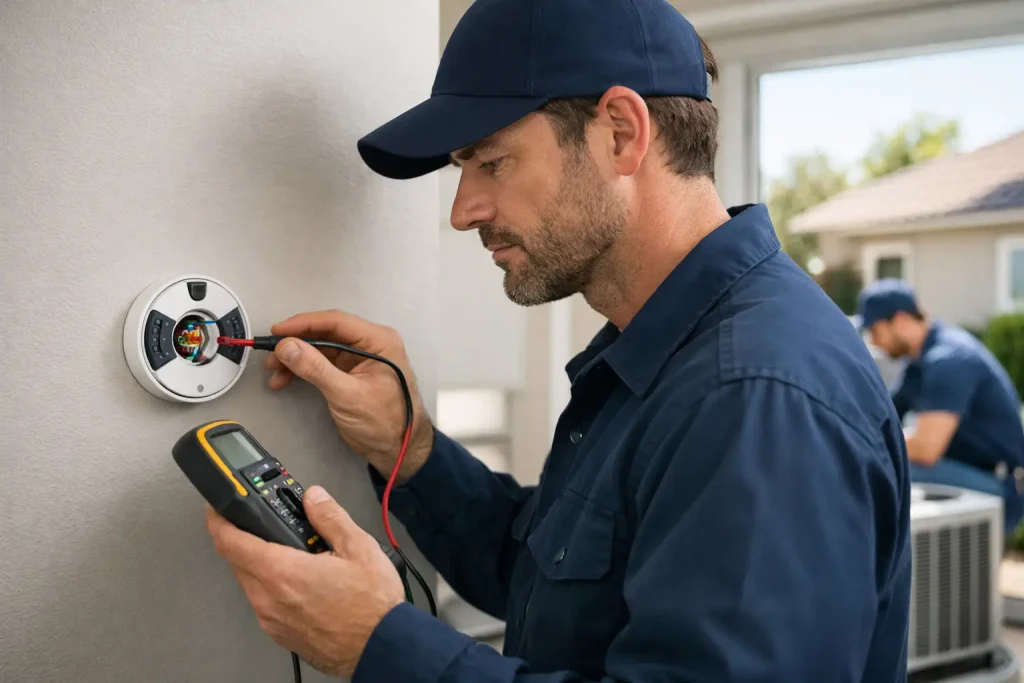
A thermostat that suddenly shows “offline,” will not respond to the app, or cannot communicate with your heating and cooling system can turn into a comfort problem fast. Before you troubleshoot thermostat connection issues, take a moment to identify what is actually disconnected: the thermostat from Wi-Fi, the thermostat from its power source, or the thermostat from the HVAC equipment itself.
That distinction matters. A dropped Wi-Fi signal may affect app controls but leave your AC or furnace operating normally. A lost connection between the thermostat and the system can leave your home or business without cooling or heat. During a Modesto heat wave or a cold night, knowing when to stop troubleshooting and call for HVAC service protects both your comfort and your equipment.
Start With the Type of Connection Problem
Most thermostat connection issues fall into one of two categories. Smart and Wi-Fi thermostats can lose their internet connection, which usually prevents remote control, scheduling updates, weather information, or notifications. The display may say it is offline even though the system can still heat or cool when you adjust the thermostat manually.
The second category is more urgent: the thermostat is not communicating with the HVAC system. Common signs include a blank screen, an alert about lost equipment connection, no response after changing the temperature, or heating and cooling that will not start. This may be caused by a power interruption, a safety switch, a drained battery, a damaged component, or a system issue that needs professional diagnosis.
Start by checking whether the thermostat has power and whether the system is responding at all. If you smell burning, see smoke, hear loud electrical buzzing, or notice water around indoor HVAC equipment, do not continue. Turn the system off if you can do so safely and request professional service.
Safe Ways to Troubleshoot Thermostat Connection Issues
A few basic checks can solve simple interruptions without touching wiring or opening HVAC equipment. They also give a technician useful information if service is needed.
Check the thermostat display and settings
Look at the screen first. If it is blank, dim, frozen, or showing a low-battery notice, replace the batteries if your model uses them. Use the correct battery type and make sure they are installed in the proper direction. Some thermostats draw power from the HVAC system but still use batteries as backup, so a battery alert should not be ignored.
If the screen is on, confirm the mode is set correctly. For cooling, select Cool and set the target temperature several degrees below the current room temperature. For heating, select Heat and set it several degrees above room temperature. Make sure the fan setting is on Auto rather than On if you are trying to determine whether the system itself is running. A fan that runs continuously can make it seem like the AC or furnace is operating when it is not.
Many systems also have a built-in delay before starting. After changing a setting, wait about five minutes before deciding the thermostat is not communicating. Short delays help protect HVAC equipment from rapid cycling.
Confirm the HVAC system has power
A thermostat can appear disconnected when the heating or cooling equipment has lost power. Check your electrical panel for a tripped HVAC-related breaker. If one has tripped, you may reset it once. If it trips again, leave it off and contact an HVAC professional. Repeated breaker trips are not a thermostat setting problem and should not be treated as one.
For central air systems, check that the outdoor unit is not visibly obstructed and that the indoor system is not shut down by an obvious safety condition. If you have recently changed an air filter, make sure the filter is the right size and installed properly. A severely restricted filter can contribute to operational problems, though it is not the only possible cause.
Some indoor HVAC systems have a safety switch that stops operation if the access panel is not seated correctly or if a condensate drainage issue is detected. Do not bypass a safety switch. If the thermostat has power but the equipment will not respond, a trained technician can identify whether the issue is with the drain system, controls, wiring, or equipment.
Reconnect a smart thermostat to Wi-Fi
If heating and cooling work at the wall thermostat but the mobile app says the device is offline, focus on the Wi-Fi connection. First, check whether other devices in the building can access the internet. If they cannot, the issue is likely with the network rather than the thermostat.
If the network is working, confirm that the thermostat is within reliable signal range. Thick walls, large metal appliances, and distance from the router can weaken a signal. Rebooting the thermostat according to the manufacturer’s on-screen menu may restore the connection. You can also restart your router if that is appropriate for your property and does not interrupt essential business systems.
Be cautious about factory resets. A reset can erase schedules, equipment settings, and app pairings. It may be useful when directed by the thermostat manufacturer or an HVAC technician, but it should not be the first response to every offline message. If the thermostat repeatedly disconnects, the problem may be poor signal strength, an incompatible network setting, or an underlying power issue.
When the Issue Is More Than Wi-Fi
A connection warning is more serious when the thermostat cannot control the system from the wall. If you set the thermostat correctly and nothing happens after the normal startup delay, the cause may be somewhere in the HVAC system rather than the thermostat itself.
For example, a cooling system may fail to start because of a tripped safety control, a failed electrical component, a condensate issue, or a problem at the outdoor unit. A furnace may not respond because of an ignition, airflow, control, or safety issue. Smart thermostats can report these situations as an equipment connection error, but the message does not provide a complete diagnosis.
Avoid removing the thermostat from the wall to inspect, tighten, or move wires. Low-voltage thermostat wiring may look simple, but incorrect handling can damage the thermostat, interrupt equipment operation, or hide the real issue. The same applies to opening electrical compartments or attempting to reset internal controls. These are jobs for a qualified HVAC technician.
What to Tell Your HVAC Technician
A clear description can help speed up diagnosis. Note the thermostat brand and model, the exact message on the screen, whether the display has power, and whether the problem affects heating, cooling, or both. It also helps to mention recent power outages, Wi-Fi changes, filter changes, unusual noises, water near the indoor unit, or a breaker that has tripped.
For property managers and business owners, include whether the issue affects one zone or the entire building. A single disconnected thermostat may point to a local control issue, while multiple systems going offline may indicate a broader power or network problem. The solution depends on the equipment setup, so this context prevents guesswork.
YourK AC provides fast, professional heating and cooling diagnostics for homeowners and businesses when a thermostat problem is really a system problem. A technician can test the thermostat, controls, wiring, power supply, and HVAC equipment safely, then explain the repair options clearly before work moves forward.
Prevent Repeat Thermostat Disconnects
Regular HVAC maintenance reduces the chance that a thermostat alert becomes an unexpected no-cooling or no-heat call. During service, technicians can check system operation, electrical connections, condensate drainage, airflow, and control response. These inspections are especially valuable before the hottest part of summer or before you depend on your furnace in winter.
For smart thermostats, keep the app and device software current when updates are available. If Wi-Fi reliability is a continuing issue, improving router placement or network coverage may be more effective than repeatedly resetting the thermostat. For any thermostat, replace batteries promptly when notified and keep the surrounding area clean and unobstructed.
Comfort should not depend on guessing at an error message. If your thermostat is offline but the system still runs, address the connection before you need remote control most. If the thermostat cannot communicate with your heating or cooling equipment, prompt professional help can restore safe, dependable operation when it matters most.